Chat
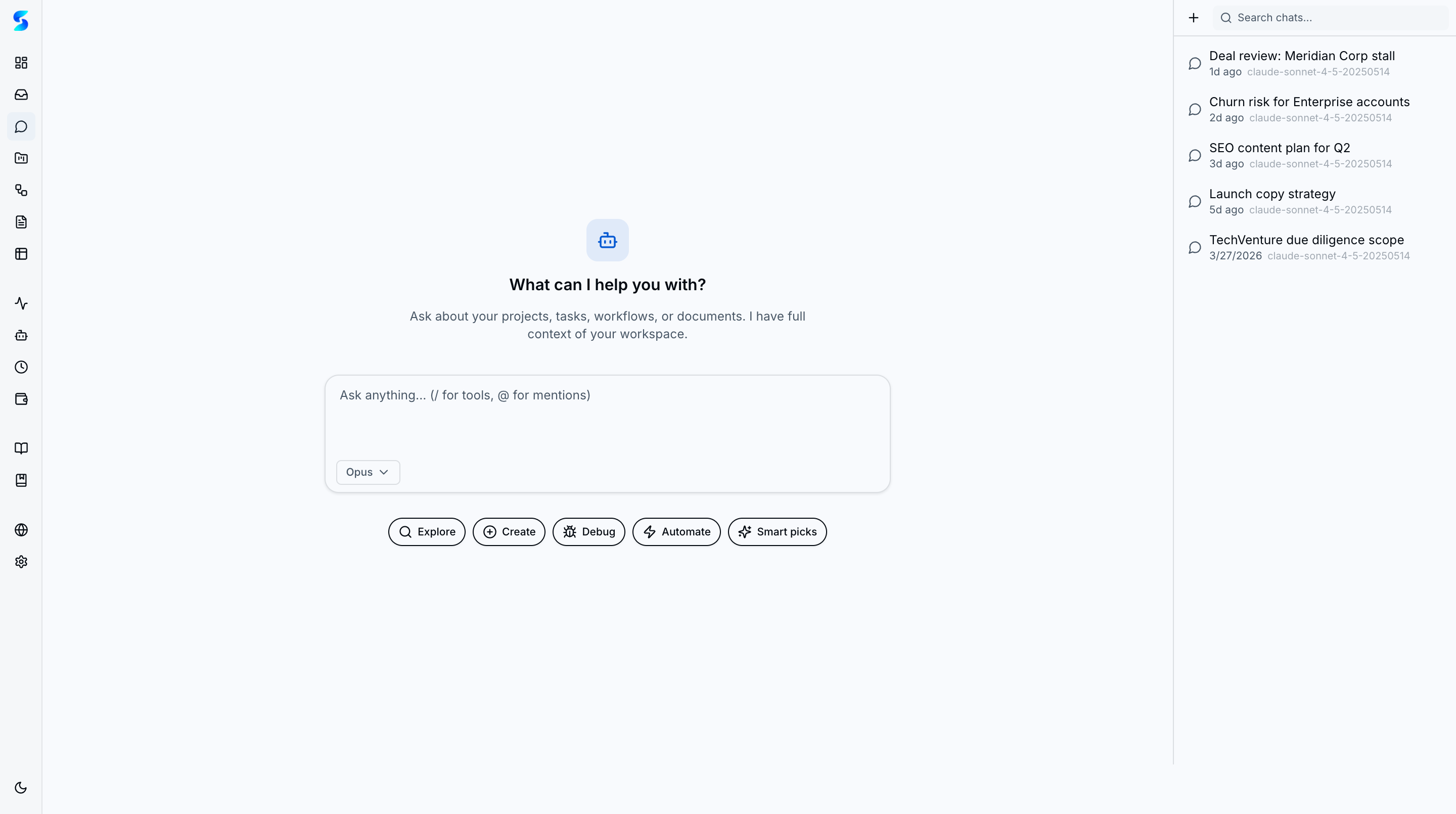
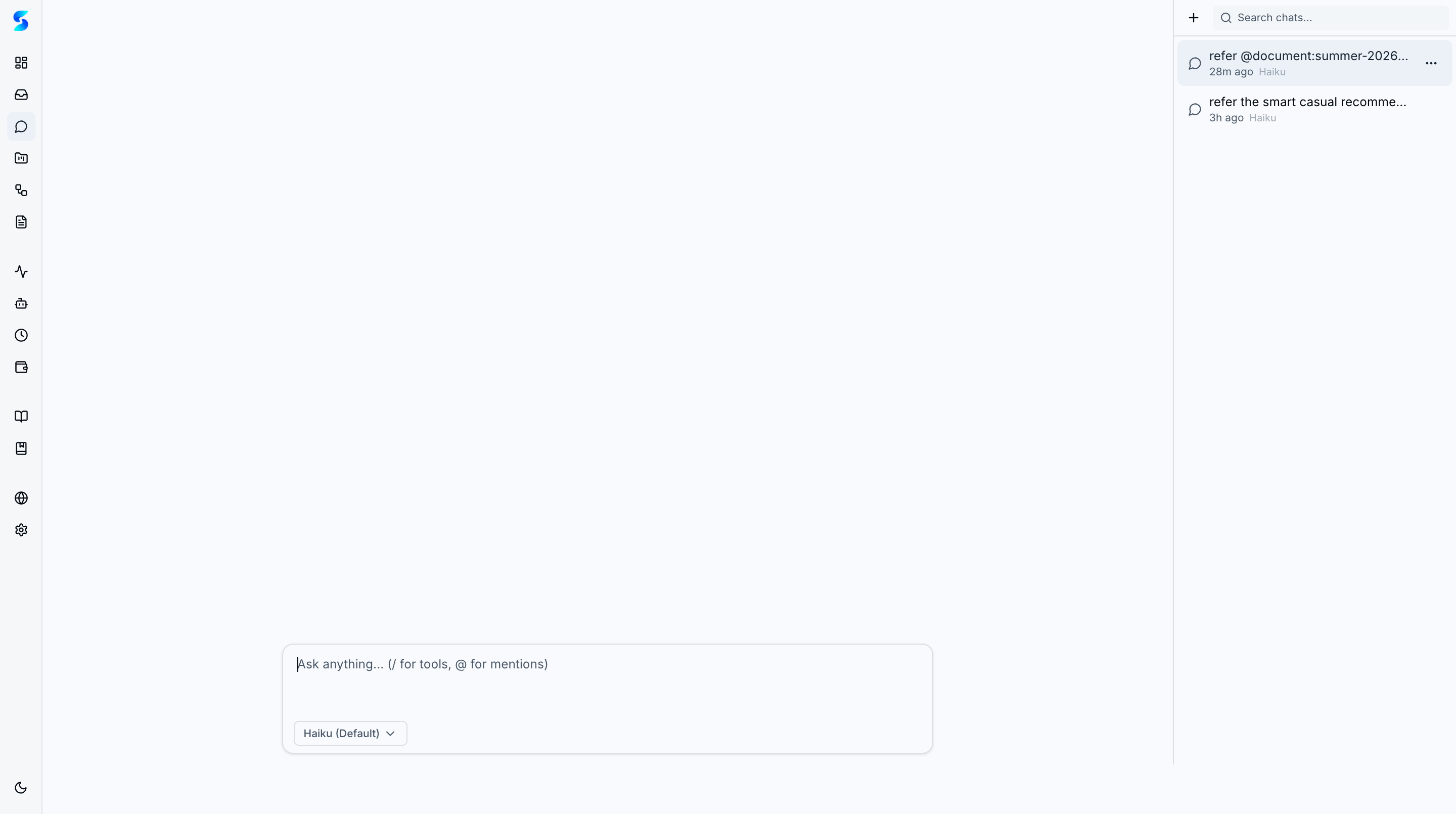
The chat surface is an AI-powered command center for the workspace. Instead of a blank prompt, it opens to a Tool Catalog organizing suggested prompts into four action categories plus a Smart Picks row of personalized suggestions drawn from your actual projects, tasks, and documents. Conversations can also originate from Slack and Telegram via bidirectional delivery channels.
Key Concepts
- Tool Catalog — Four category tabs (Explore, Create, Debug, Automate) plus a Smart Picks row organize suggested prompts generated from your actual workspace data, helping you discover what the assistant can do.
- @ Mentions and Context — Type
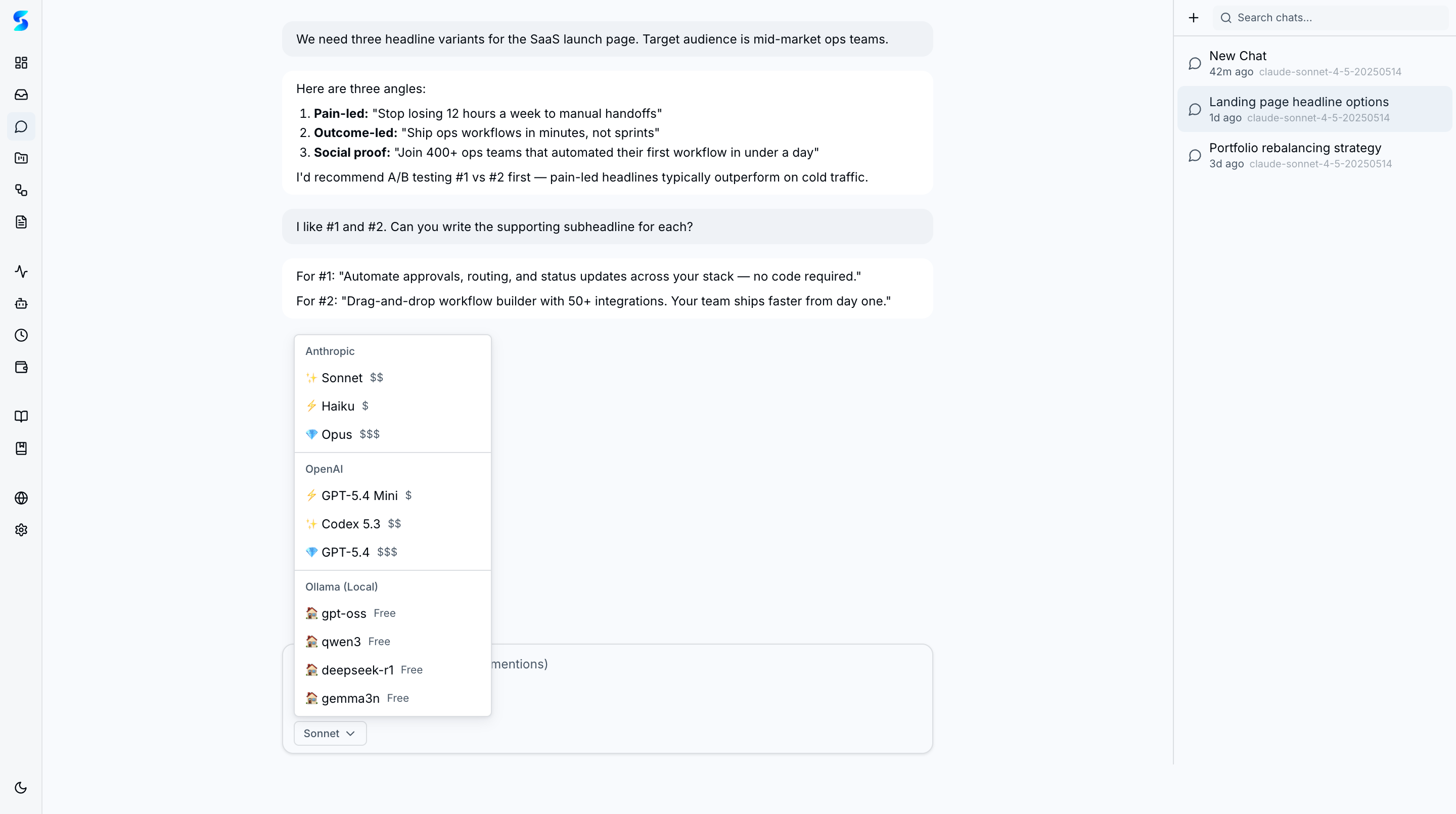
@to trigger a fuzzy-search autocomplete popover for projects, tasks, documents, profiles, and schedules. Mentioned entities are injected into the conversation context automatically. - Multi-Provider Model Selection — Choose between Claude (Haiku 4.5, Sonnet 4.6, Opus 4.6), OpenAI (GPT-4o-mini, GPT-4o via Codex), and Ollama models at $0 — with clear cost tier labels per conversation.
- Bidirectional Channel Conversations — Chat with Stagent agents directly from Slack or Telegram. Channel conversations use the same engine with full tool access and permission handling, and appear in the sidebar alongside in-app chats.
- Quick Access Navigation — When the assistant mentions an entity, navigation pills appear at the bottom of the response for one-click deep linking to that project, task, or workflow.
- Entity CRUD via Chat — Create, update, and delete projects, tasks, and workflows through natural language without navigating to their respective surfaces.
How It Works
Chat uses a progressive 5-tier context injection system that loads workspace awareness from lightweight summaries up to full document content within a ~53K token budget. This means the assistant knows your workspace state without you having to explain your setup.
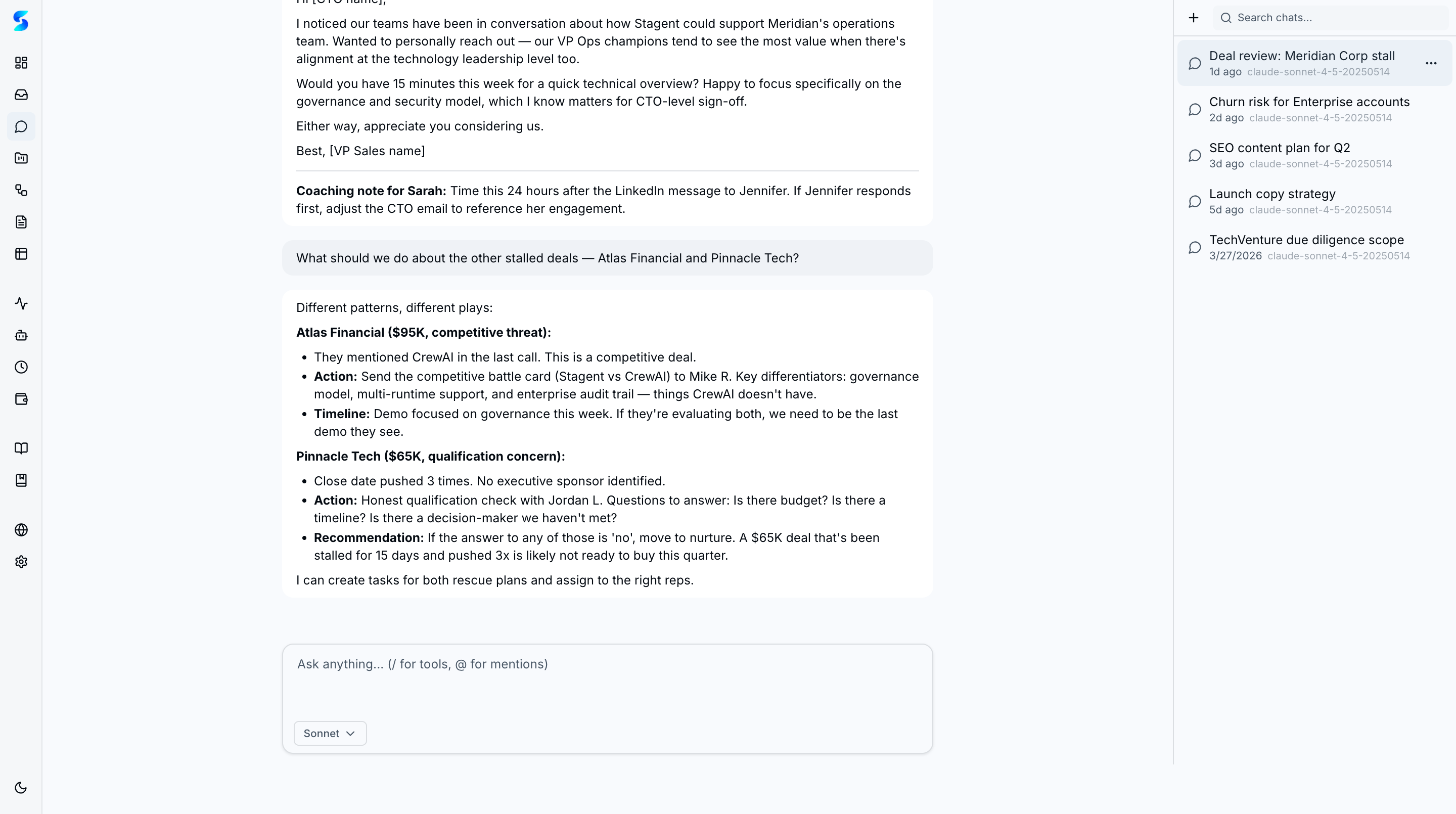
Responses stream in real time with full markdown support — headings, lists, code blocks with syntax highlighting, and tables render as the text arrives. Quick Access pills appear after streaming completes, linking directly to any entity mentioned in the response.
Model Selection
Switch models at any time using the selector in the input area. Each model is labeled with its cost tier so you can balance capability against spend.
Suggested Prompts & Create Tab
The empty state displays context-aware prompt suggestions organized into tabbed categories. The Create tab surfaces entity creation options that are pre-filled with workspace context.
Quick Access Deep Linking
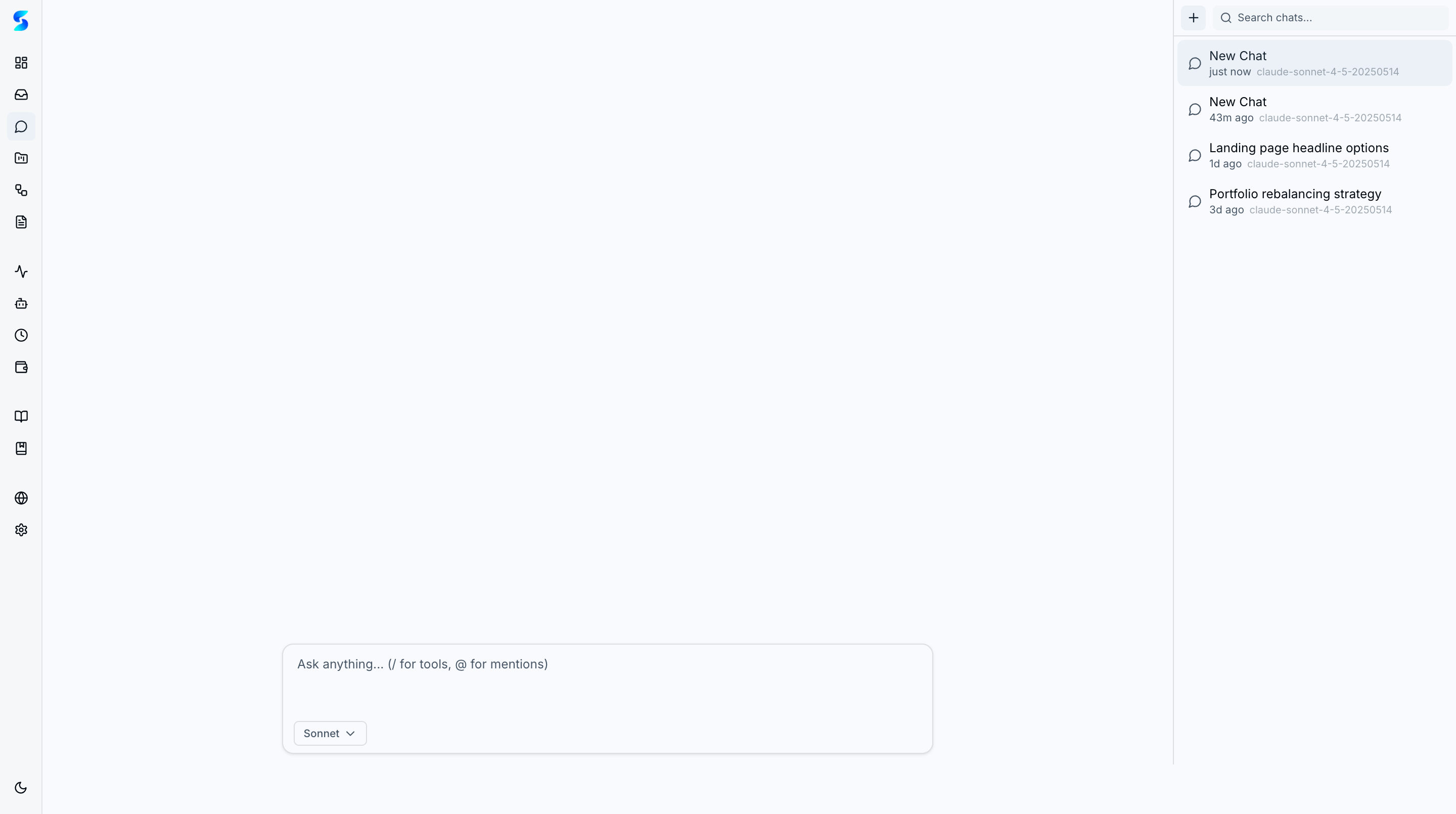
After asking about a workspace entity, Quick Access pills at the bottom of the response let you jump directly to the relevant detail page in one click.
Use Cases
Daily Standup Triage
Product Team · Getting a quick status overview before the morning standup
Ask “What’s the current status of the Q2 launch project?” and get a summary of task distribution, recent completions, and blockers — then click the Quick Access pill to jump straight to the project detail view.
Task Creation from Context
Developer · Creating structured work from a natural language description
Describe what needs to happen — “Create a task to analyze the Magnificent 7 tech companies” — and the assistant creates it with proper priority, status, and description, ready for agent execution.
Workspace Discovery
New User · Learning what Stagent can do through conversation
Browse the suggested prompt categories to discover capabilities you haven’t explored yet. The Explore tab surfaces questions about your existing data, while the Create tab helps you build new entities.
Related Features
- Task Execution — Where tasks created from chat land for agent execution
- Projects — Project context that powers chat awareness
- Workflows — Multi-step orchestration you can create through chat
- Cost & Usage — Model selection in chat directly impacts spend visibility